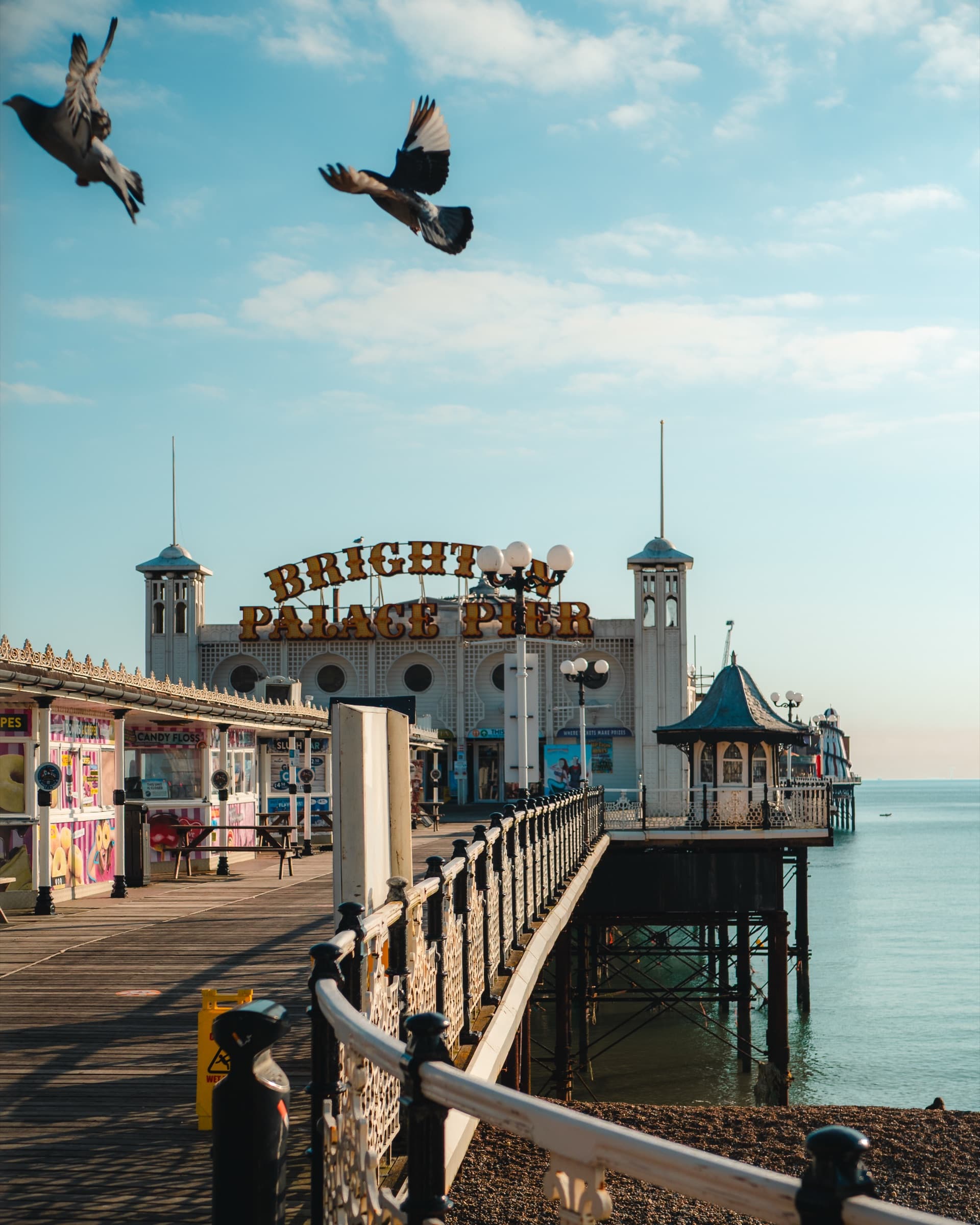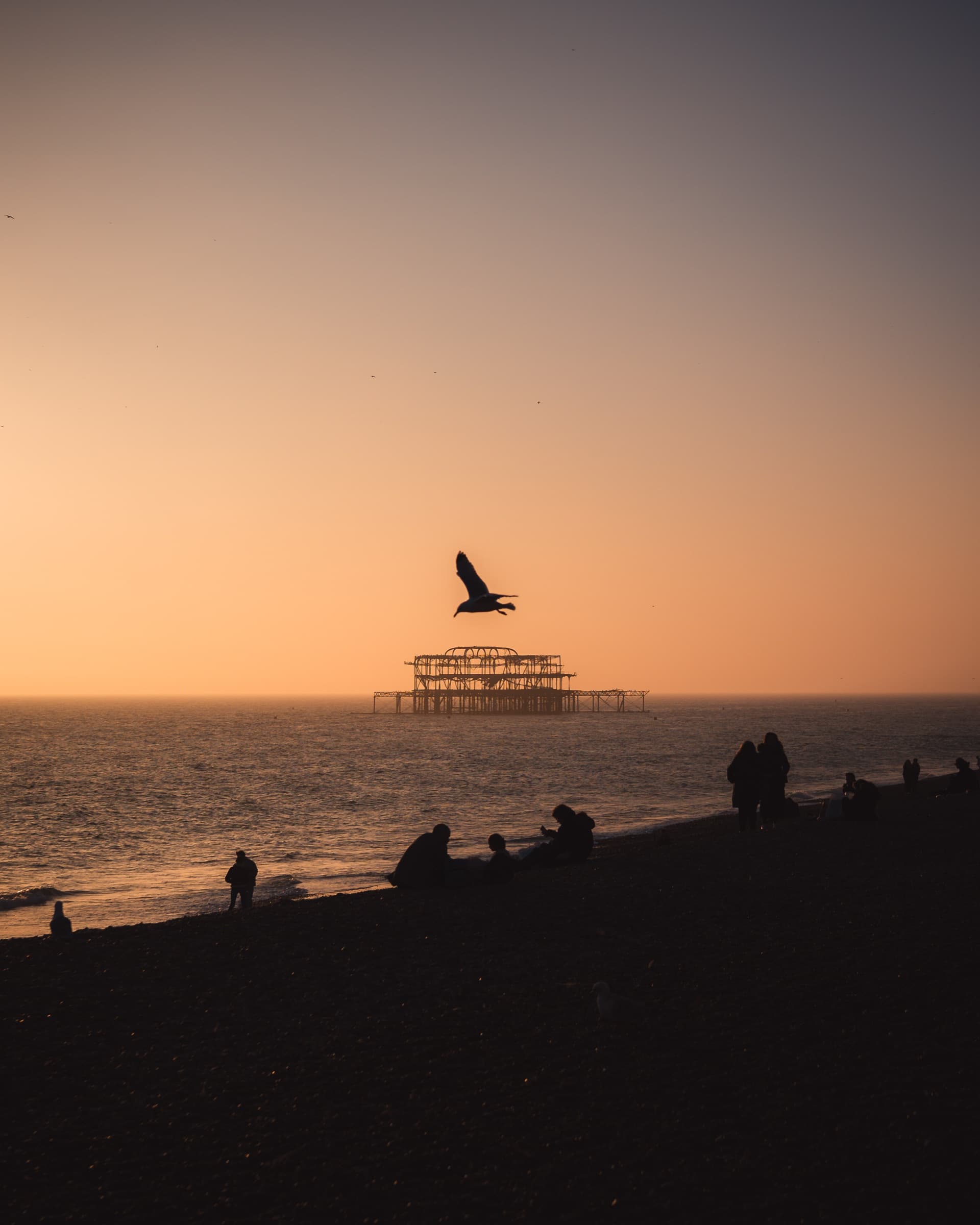

Made inBrighton Lightroom preset pack
14 Lightroom presets · Mobile and desktop
Warm, film-inspired colour, wherever you shoot.
Was £39.99
- 14 presets
- XMP + DNG
- iPhone ProRAW versions
- Instant download
Fourteenlooks
Drag to compare
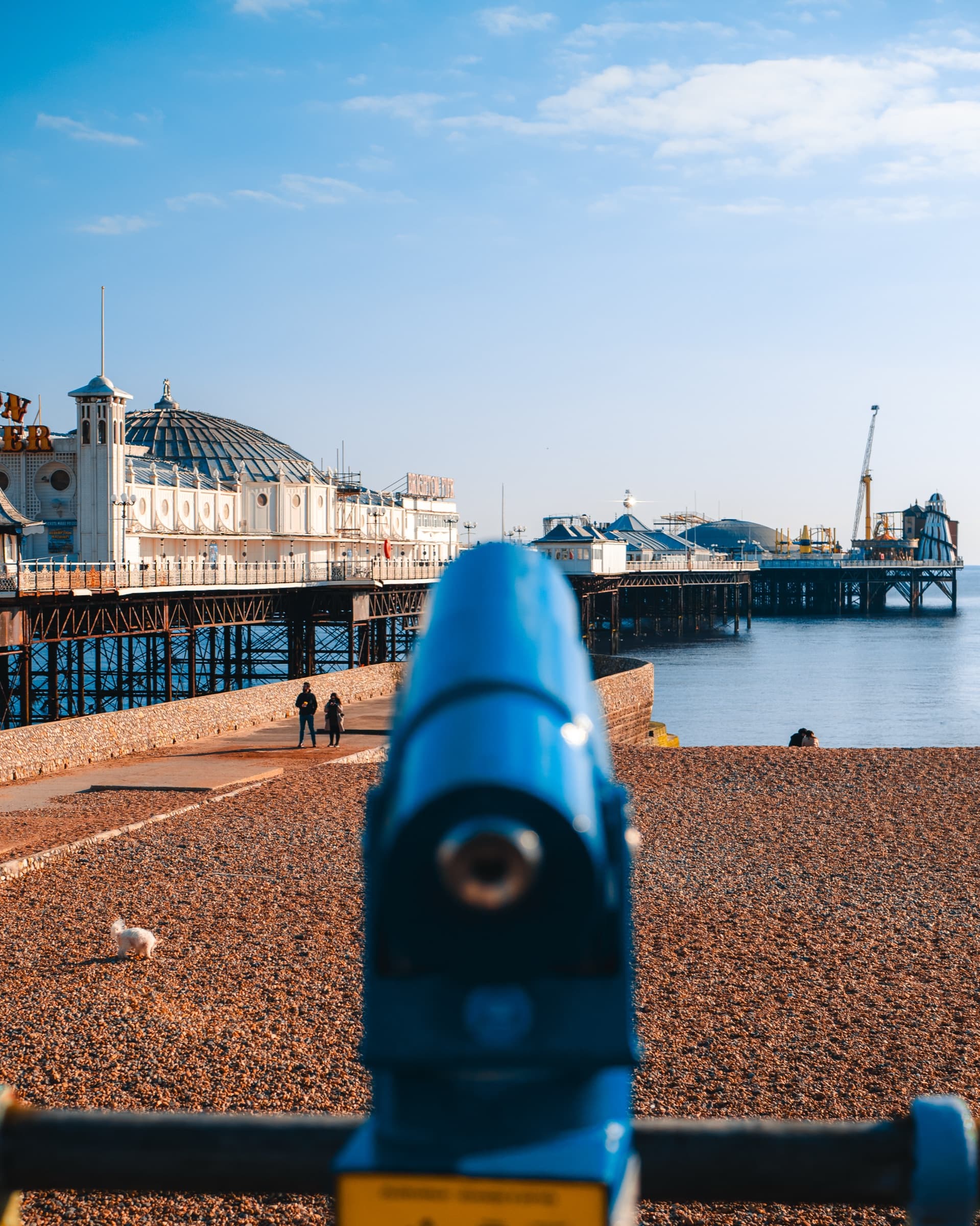 BeforeAfter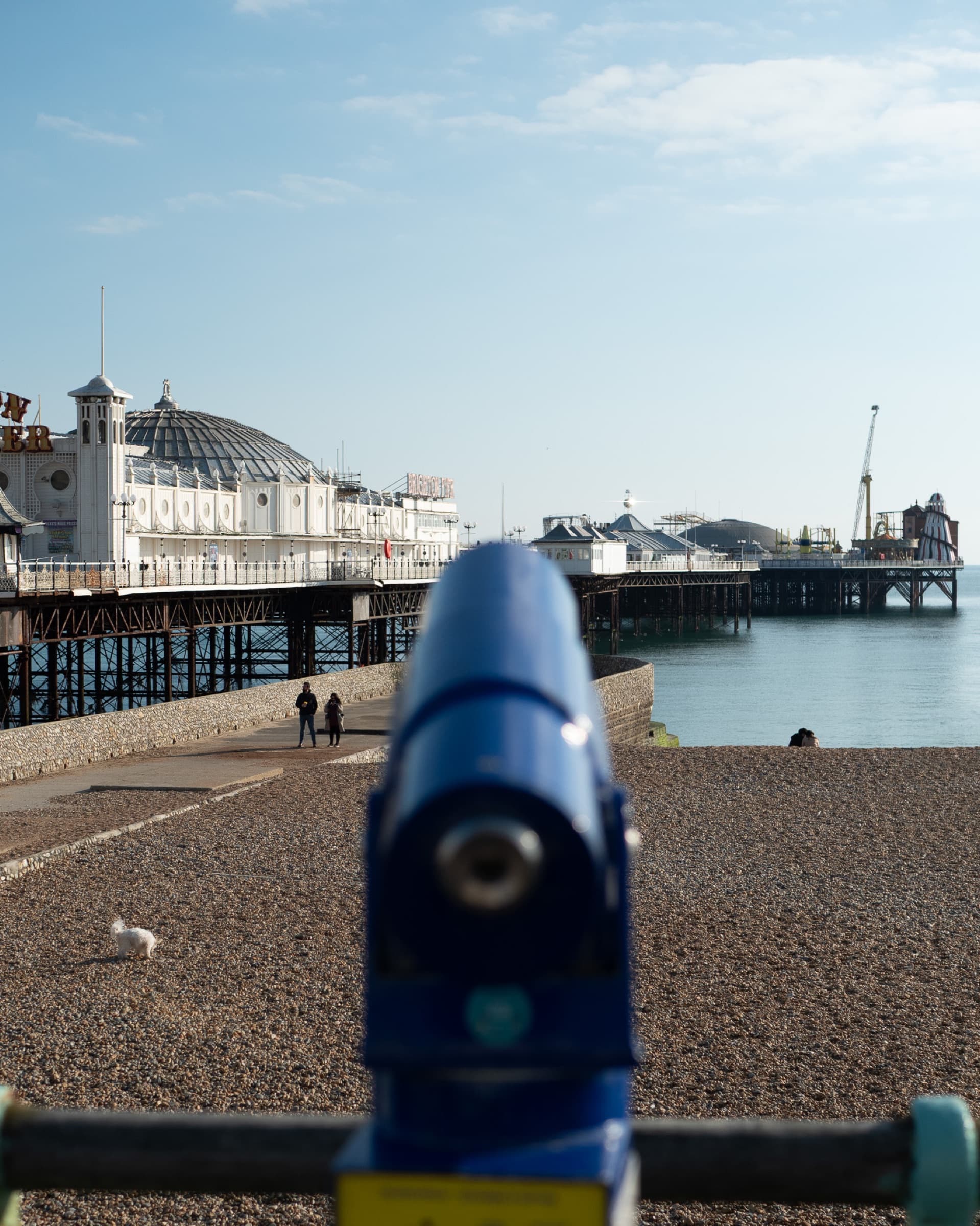
Seafront
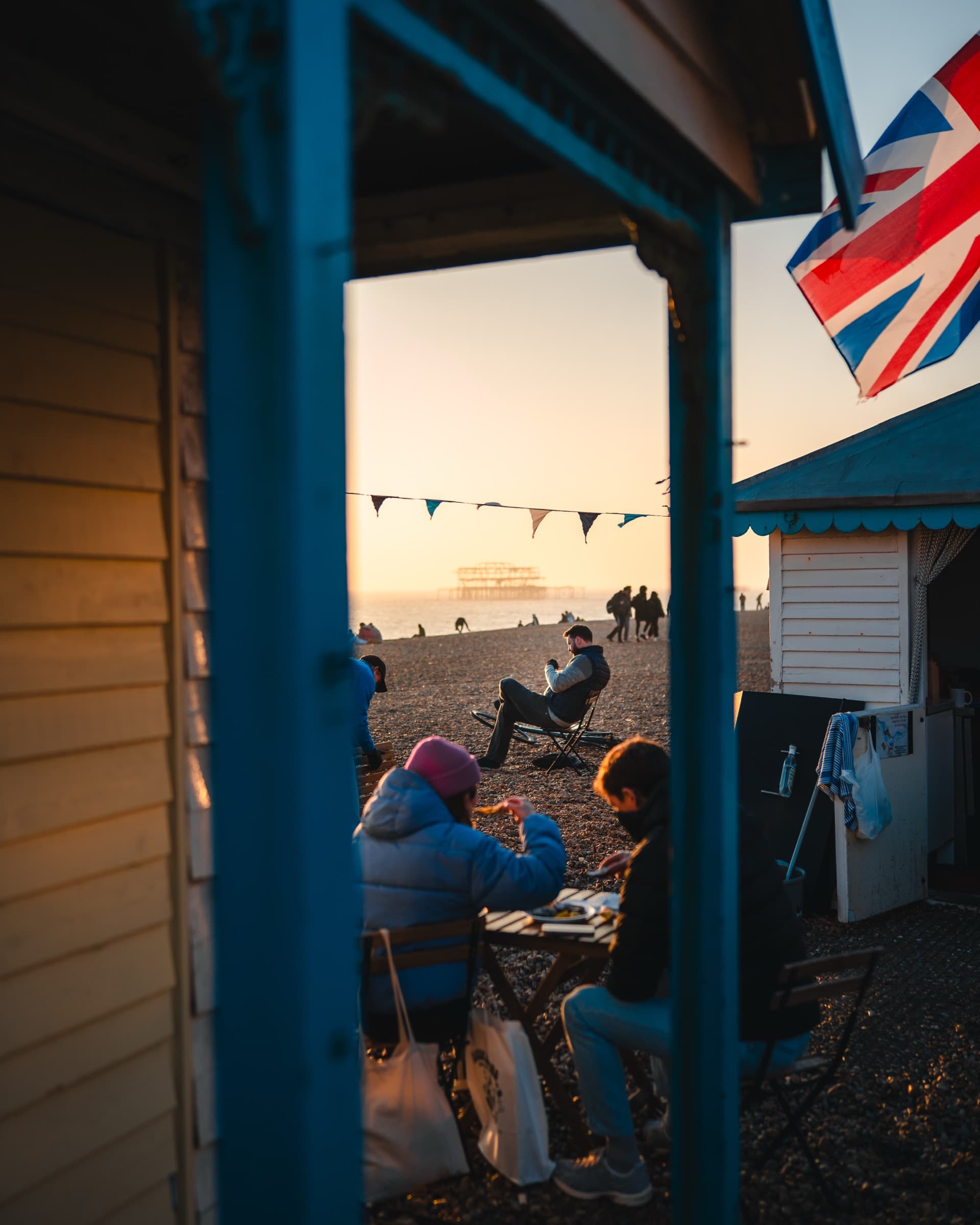 BeforeAfter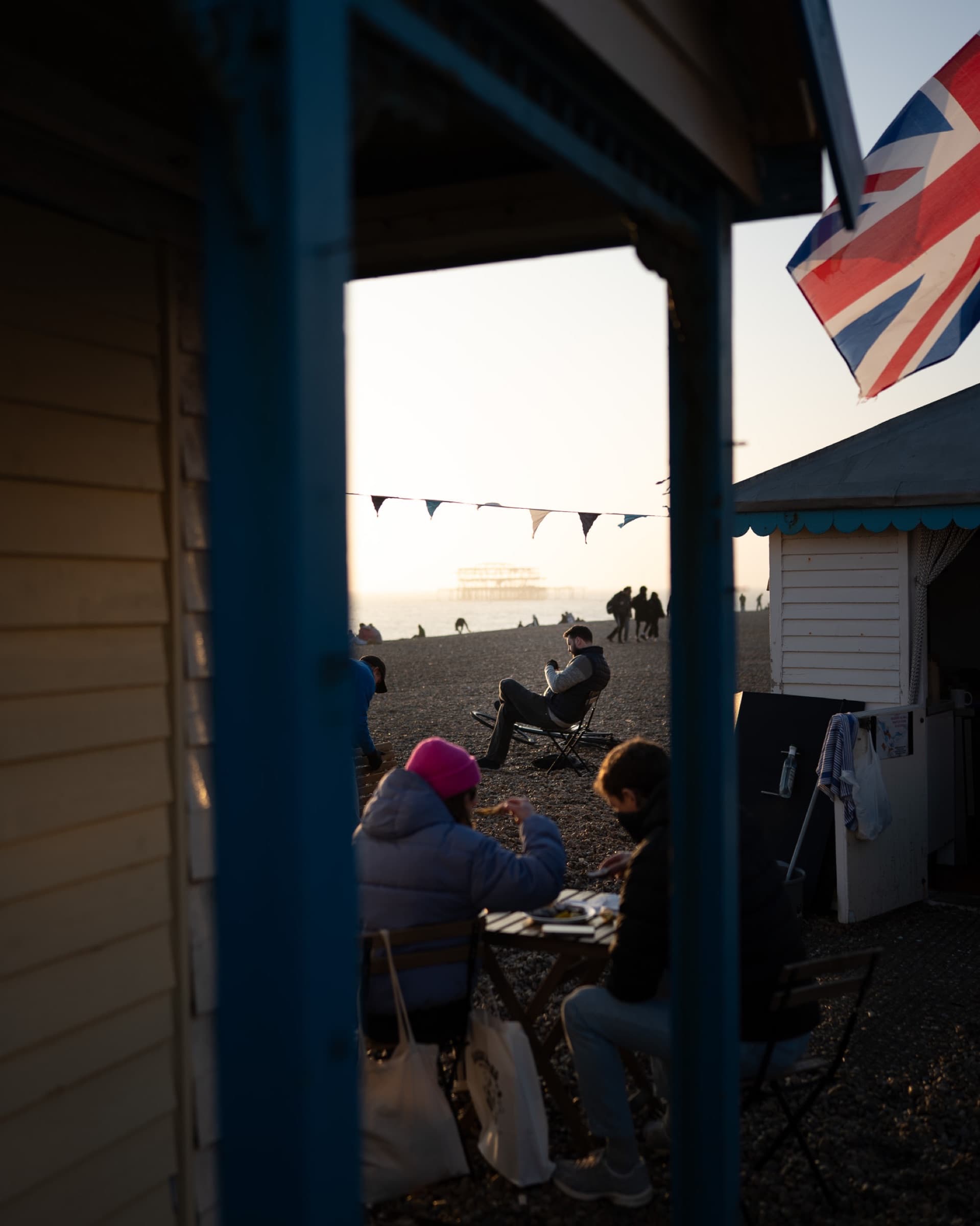
Beach huts
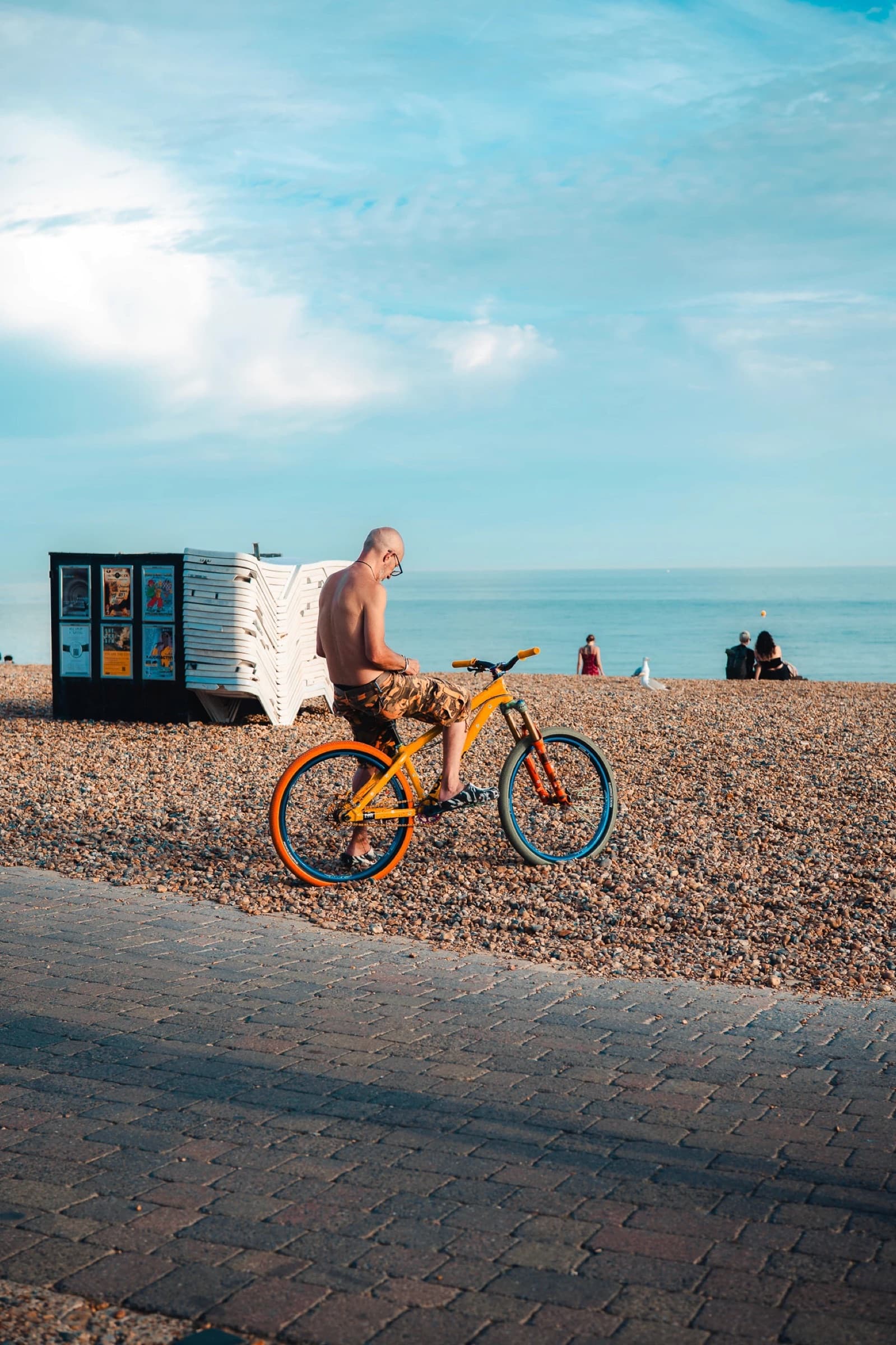 BeforeAfter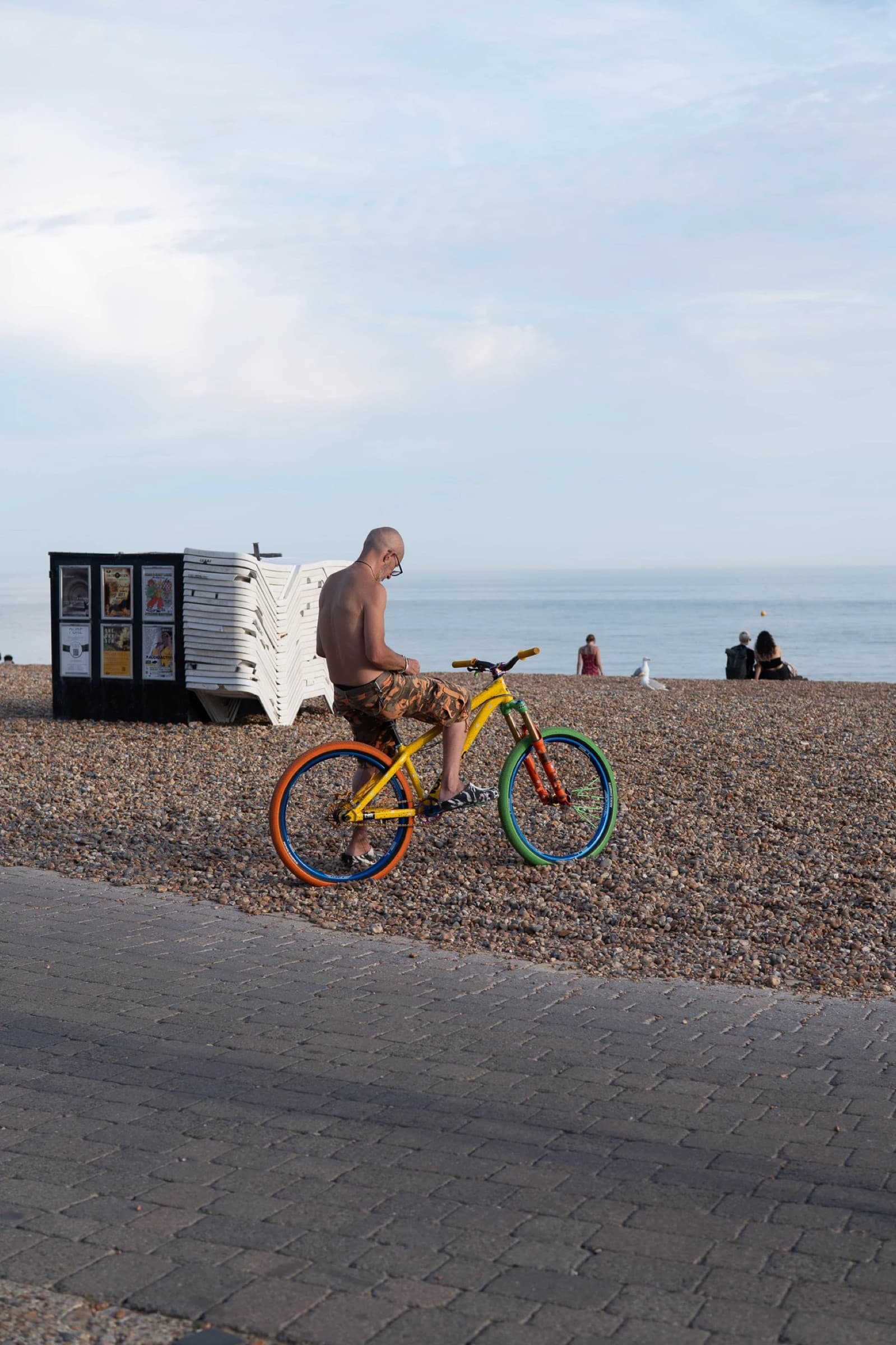
Street
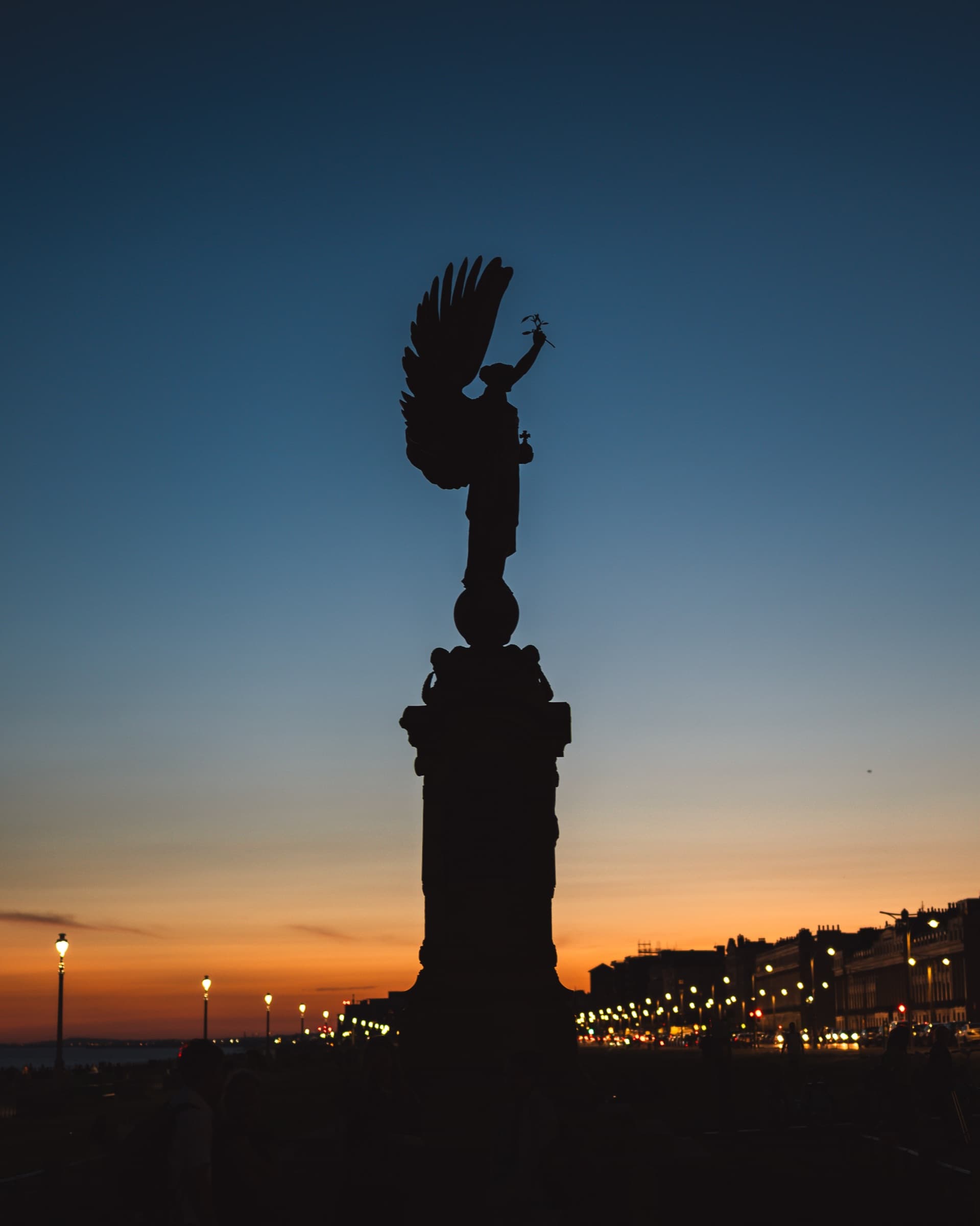
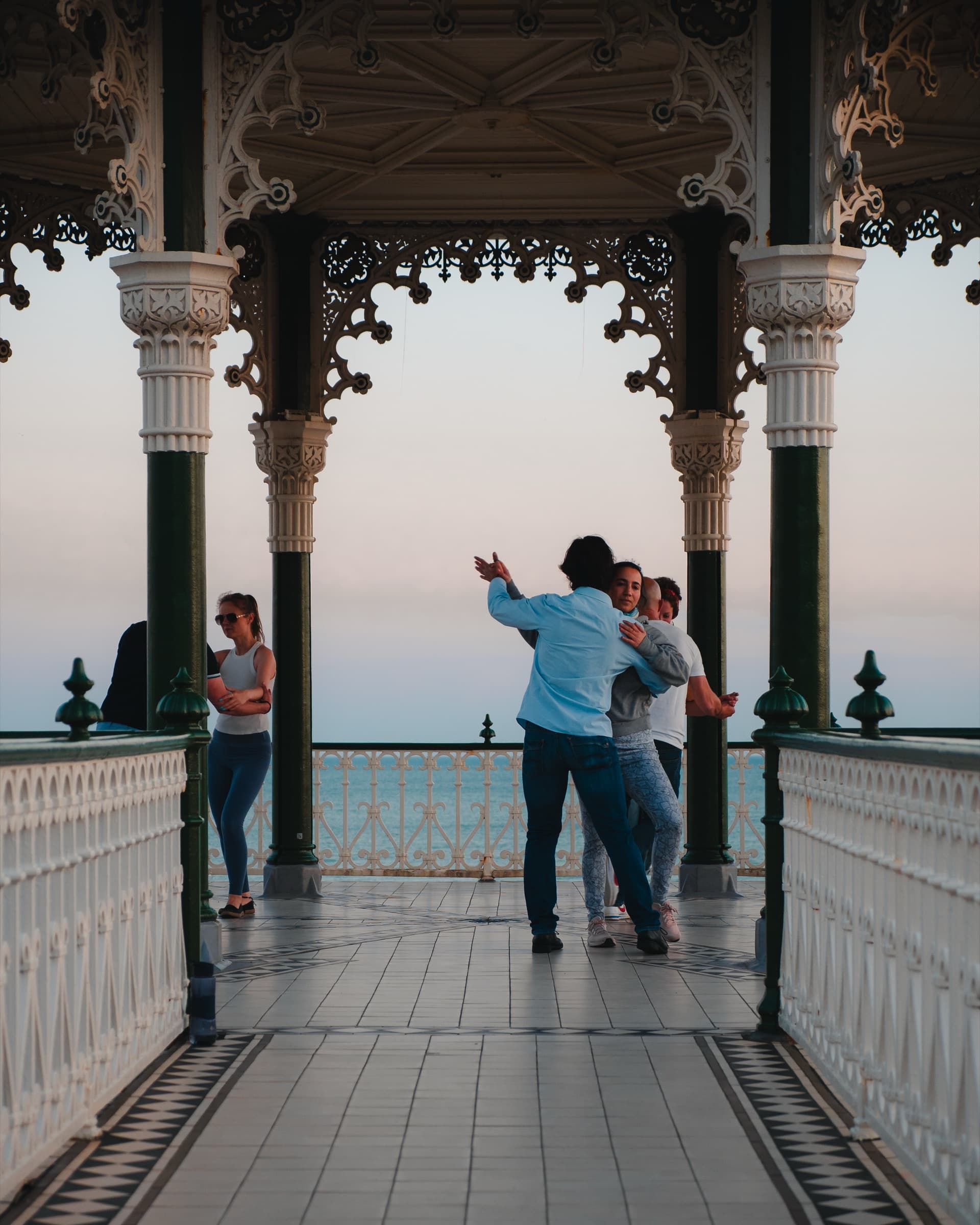
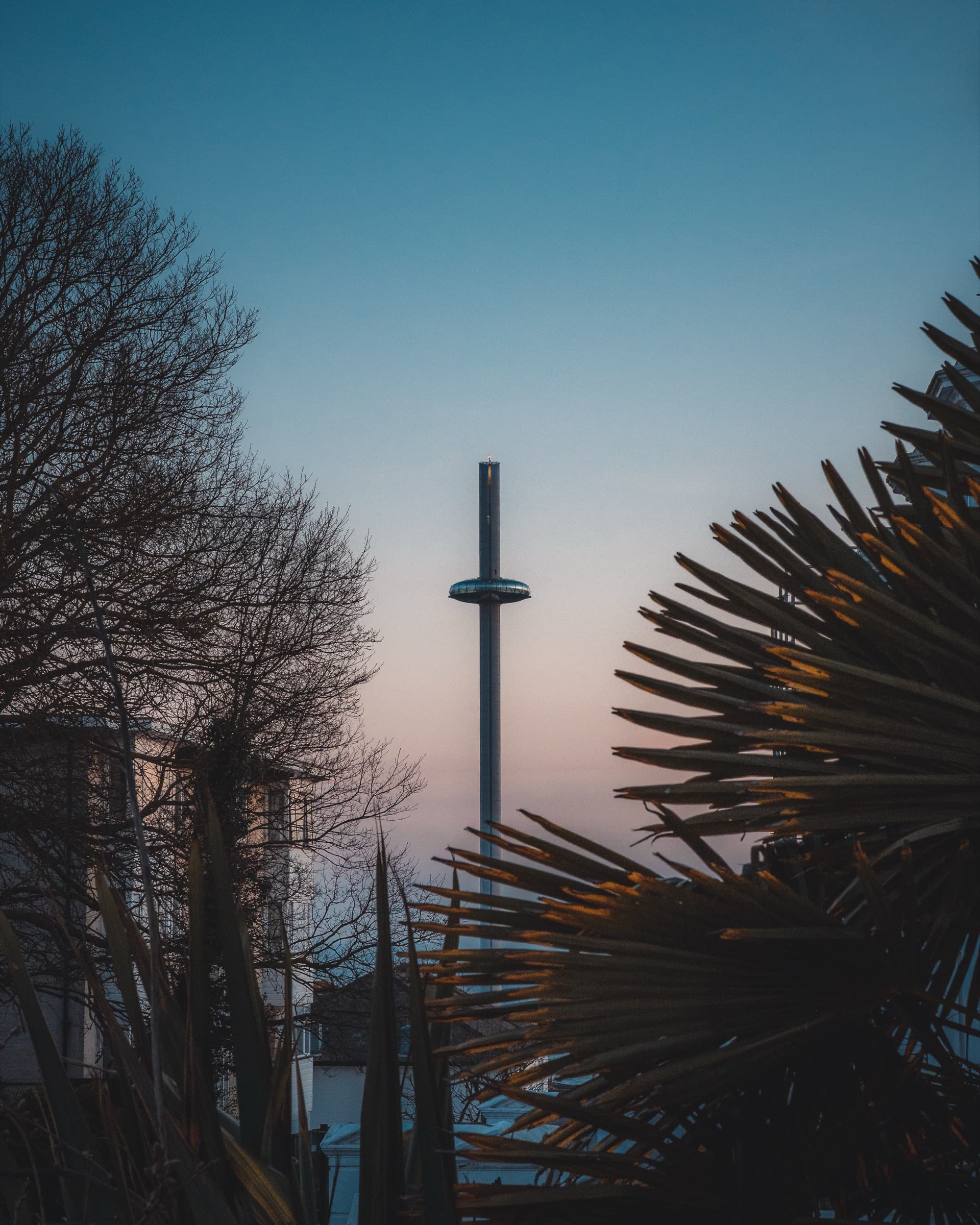
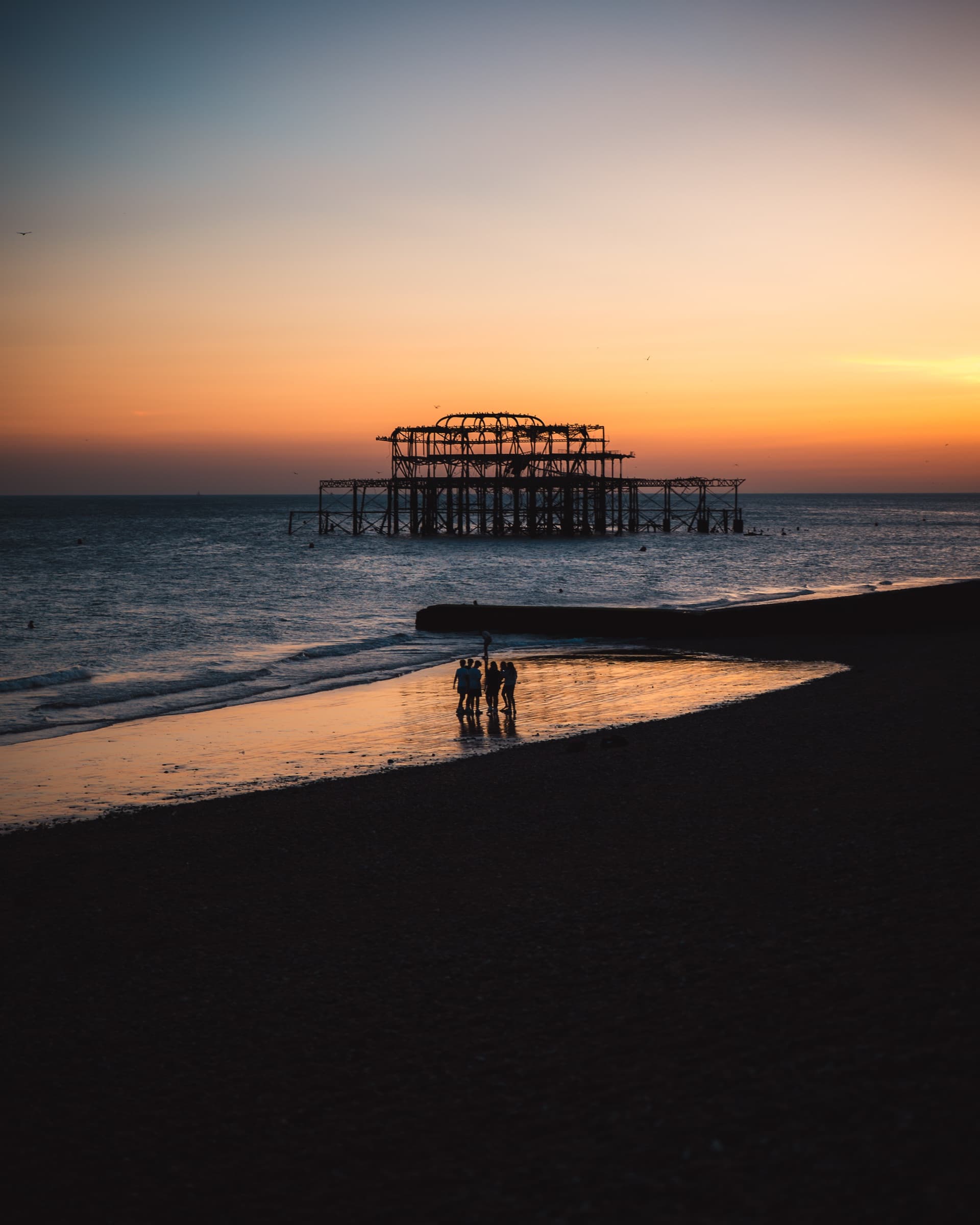
All photos edited with the Made in Brighton pack
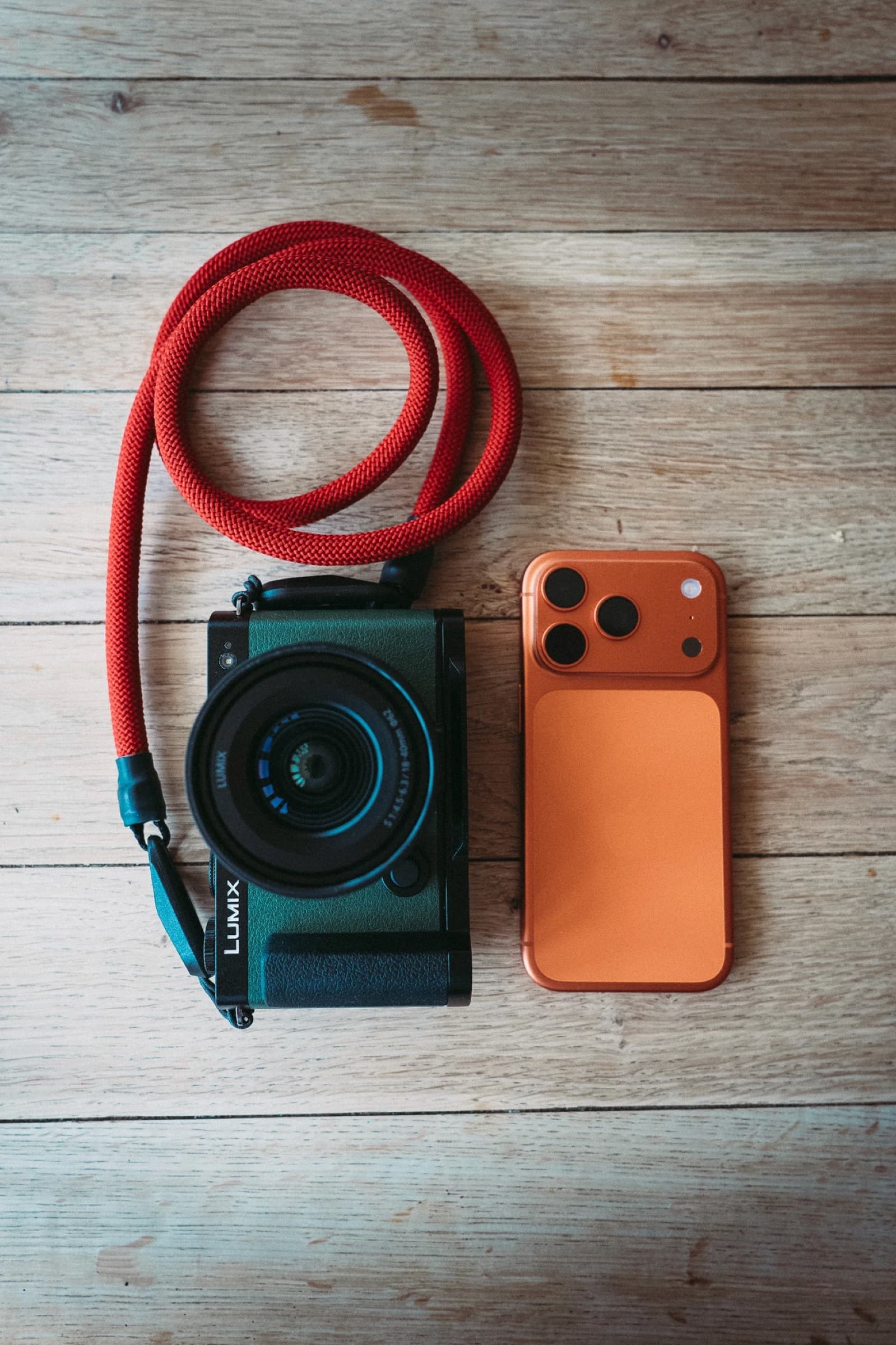
Cameraor iPhone
Shoot in RAW
Every look comes in two sets. One is tuned for RAW files from DSLR and mirrorless cameras. The other is rebuilt for iPhone ProRAW, so your phone shots match your camera edits.
Either way, you need to shoot RAW. The presets lean on the extra light and colour a RAW file holds, so they won't look right on JPEGs or HEICs. On iPhone, turn on ProRAW in Settings, then Camera, then Formats.
With aguide
11-page PDF
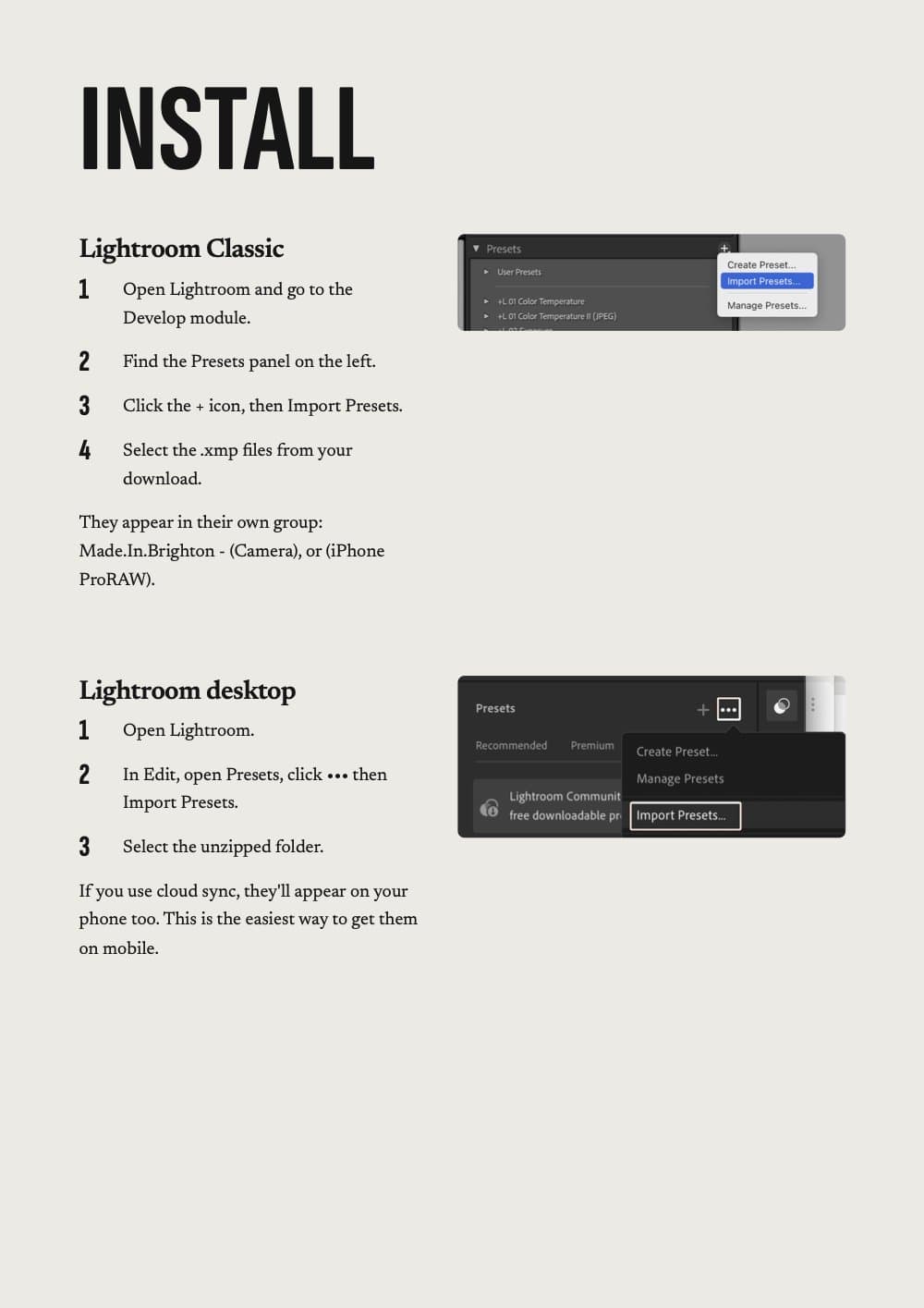
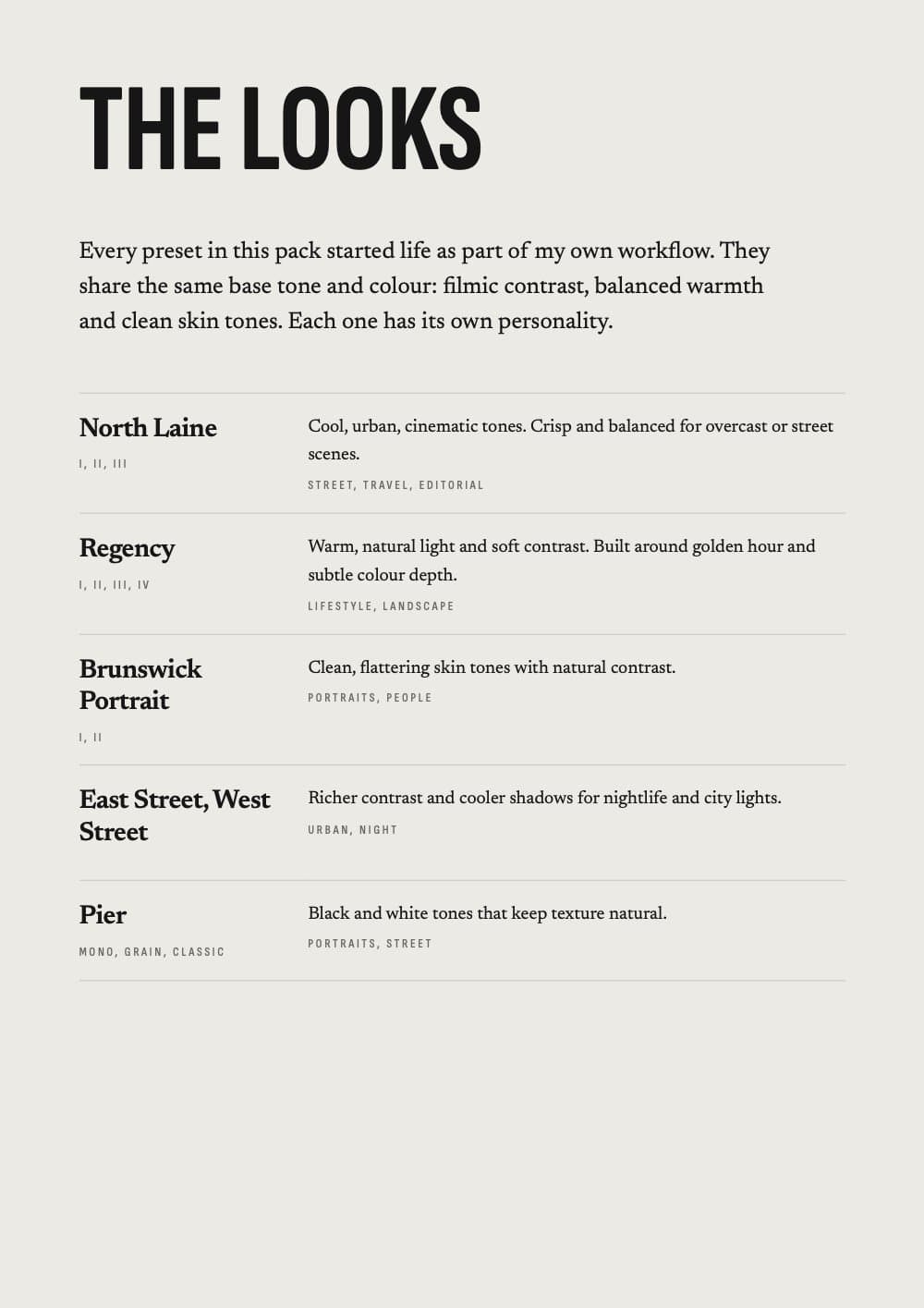
Every pack comes with a user guide. It walks you through installing on Lightroom Classic, desktop and mobile, explains what each look is for, and shows how to tweak them to suit your shot.
There's a section on shooting RAW too, if you're new to it.
In thepack
Everything in one download
14 Lightroom presets
Handcrafted looks inspired by natural light, texture and tone, from warm coastal hues to moody cinematic shadows.
XMP for Lightroom Desktop
For editing on your computer in Lightroom Desktop.
DNG for Lightroom Mobile
For editing on your phone in Lightroom Mobile.
iPhone ProRAW versions
Each preset adapted for Lightroom Mobile and iPhone ProRAW files: consistent tones, natural light and film-like texture on the go.
PDF install guide
Step-by-step instructions for Lightroom Mobile and Desktop.
Pro tips
Fine-tune exposure, white balance and tone to get the best from every shot.
Instant download
Download your presets immediately after checkout. No waiting.
Lifetime access
You'll always have the files and guides for future reference.
Was £39.99
Foursteps
From checkout to your first edit
Buy
One payment of £19.99.
Download
Your files are ready the moment you check out.
Import
Follow the PDF guide to install on Lightroom Mobile or Desktop. It takes minutes.
Apply
One click. Adjust exposure or white balance to suit your shot. Done.
Works with
Lightroom Desktop
.xmp files
Lightroom Mobile
.dng files
iPhone ProRAW
Dedicated versions
Both sets are made for RAW files and aren't optimised for JPEGs.
Questions
Do the presets work on both mobile and desktop?
Yes. You'll get .xmp files for Lightroom Desktop and .dng versions for Lightroom Mobile. Both are included in your download.
How do I install the presets?
Your download includes a short PDF guide showing exactly how to install on Lightroom Mobile and Desktop.
Can I use the presets on iPhone photos?
Yes. The pack includes versions specifically designed for iPhone ProRAW files. These presets are not optimised for standard JPEGs. If you're not sure what ProRAW is, a quick YouTube search will sort you out. It's a game-changer once you start shooting in that format.
Can I share the presets with others?
No. Each purchase is for individual use. Sharing or reselling the files isn't permitted.
Do you offer refunds?
Because these are digital files, purchases are non-refundable. But if you run into any technical issues, just get in touch and I'll help you get set up.
Something else? hello@mikeinbrighton.com
Not sure yet? Try a preset for free